₹7,200.00Original price was: ₹7,200.00.₹5,490.00Current price is: ₹5,490.00. Price is inclusive of GST
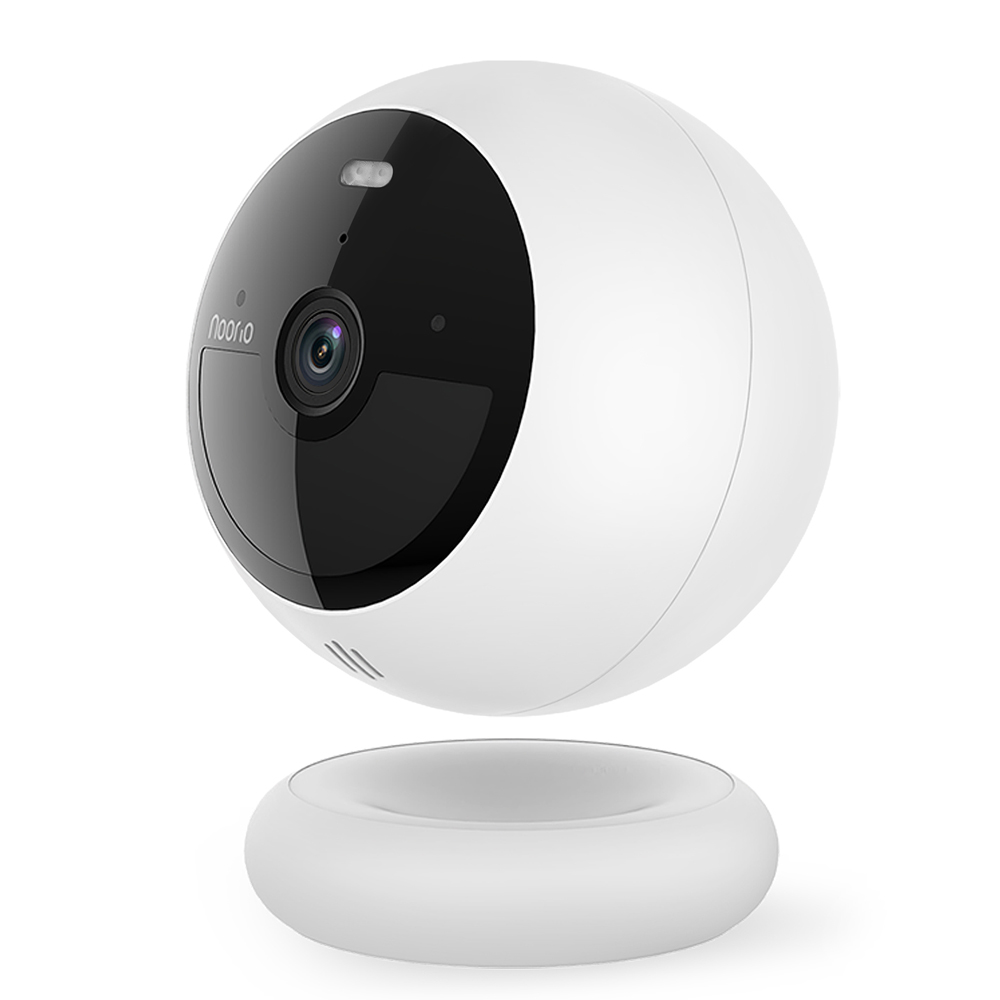
Smart Battery-powered, 100% wireless security camera , color night vision, AI human & motion detection, IP 66 weather-resistant, strong rechargeable battery life, 2-way audio, In-built alarm siren & spotlight and built-in 8 GB storage.
Clear in Day and Night
1080P Full HD provides high-clarity video streaming and recording, never missing any details. Always Be Connected
When Wi-Fi or power is disrupted, the Noorio B200 continues to operate and stores videos in its local memory. Events can be accessed once everything returns to normal. Light Up the Night
Ward off unwelcomed guests with the integrated spotlight.
Installation Process
Camera Configuration Process
How to Set Up Your Noorio Camera with the Mobile App in just 6 steps
Follow these simple steps to get your Noorio camera up and running:
Step 1: Download the App/Scan QR Code given on the box
Go to the Play Store (Android) or App Store (iPhone).
Search for “Noorio In” and install the app.
Step 2: Sign Up & Verify Email
Open the app and sign up using your email address.
Create a password and complete the captcha. If the captcha is hard to read, tap refresh to generate a new one.
You’ll receive a confirmation email on your registered ID.
Open the email and click the verification link.
Once verified, go back to the app and press Log In.
Step 3: Add Your Camera
Tap the “+” (Add Device) button on the home screen.
Scan the QR code on the back of your Noorio camera.
Step 4: Power On the Camera
Press and hold the Sync/Power button on the camera for 5 seconds.
Wait until you first hear a beep, followed by a voice prompt.
Step 5: Connect to Wi-Fi
On the app, select your 2.4 GHz Wi-Fi network.
(5 GHz is not supported for setup, but you can switch later.)
Enter your Wi-Fi password.
Step 6: Final Configuration
Hold the front of the camera facing your phone screen (with brightness high).
You’ll hear a “di-di” sound—this means the camera is being configured.
Wait for the setup to complete. You’ll be notified once the camera is successfully added.
That’s it! Your Noorio camera is now connected and ready to use.